Seven products. One by one, or together.
Buy only what you need; apart from Kiosk, a module of Adisyon, each product is complete on its own. Add a second one and the connection between them is set up automatically.
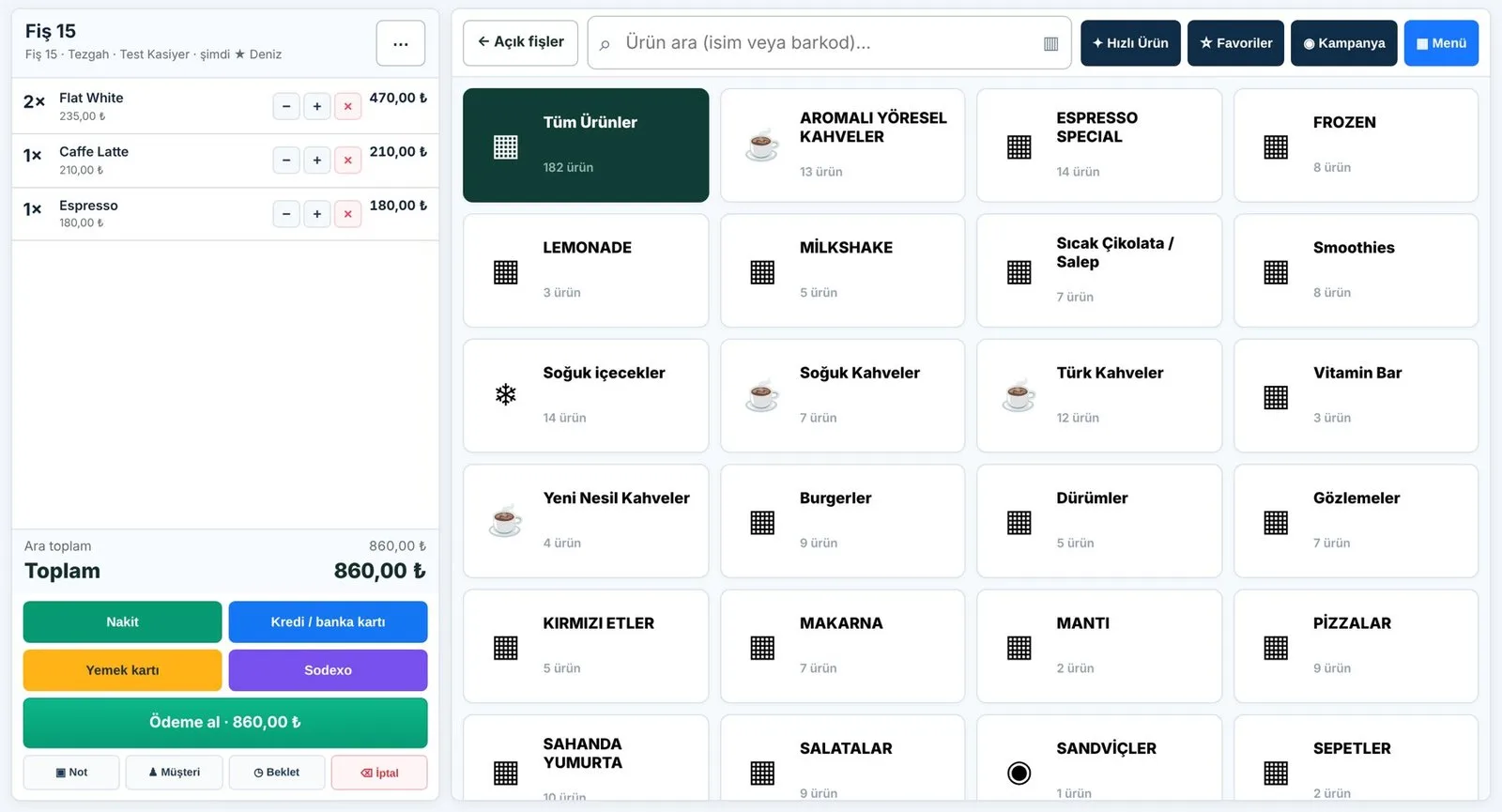
POS, inventory, recipes, multi-branch
ON ITS OWN
Touchscreen till, printers, inventory and branch reports. Runs on a till computer or tablet.
USED TOGETHER
Feeds prices and sales to the other products; becomes the center of the system.
Learn more →
Menu boards, design, Canva, video wall
ON ITS OWN
All screens from one panel: template-based design, Canva integration, 2–5 screen video walls, branch management, scheduling. Runs on Android TV, Windows, LG webOS and browsers.
USED TOGETHER
When a price changes at the till, the menu board updates itself.
Learn more →
Loyalty card without an app
ON ITS OWN
Guests scan the QR poster at the till to open their card; points and rewards are managed in the Puanla panel.
USED TOGETHER
Points are added automatically at payment, by spend; the QR appears on the customer display.
Learn more →
Compliant guest Wi-Fi
ON ITS OWN
A single-use, time-limited code per guest; connection logs kept for the legally required period.
USED TOGETHER
The code is printed on the receipt when the bill closes, or handed out in one tap at the till.
Learn more →
Counting and alerts with existing cameras
ON ITS OWN
Entrance counting, table and display-case monitoring, queue alerts. Your existing cameras and one computer per branch are enough.
USED TOGETHER
People entering through the door are compared with receipt counts.
Learn more →
QR menu and table ordering
ON ITS OWN
The menu opens on the guest's phone from the QR on the table; ordering, waiter calls and bill requests. Every feature toggles separately.
USED TOGETHER
Connects to Adisyon; the menu's QR code is also shown on screens.
Learn more →
Self-service ordering kiosk
ON ITS OWN
A module of Adisyon: guests order on a touchscreen and pay at the till or by card.
USED TOGETHER
Menu and prices from Adisyon; orders land at the till and in the kitchen.
Learn more →