Q Menü · QR menu and table ordering
Menu, ordering and the bill — from the QR on the table.
The guest scans the QR on the table with their phone camera and the menu opens. They can order, call the waiter or ask for the bill. No app to install.
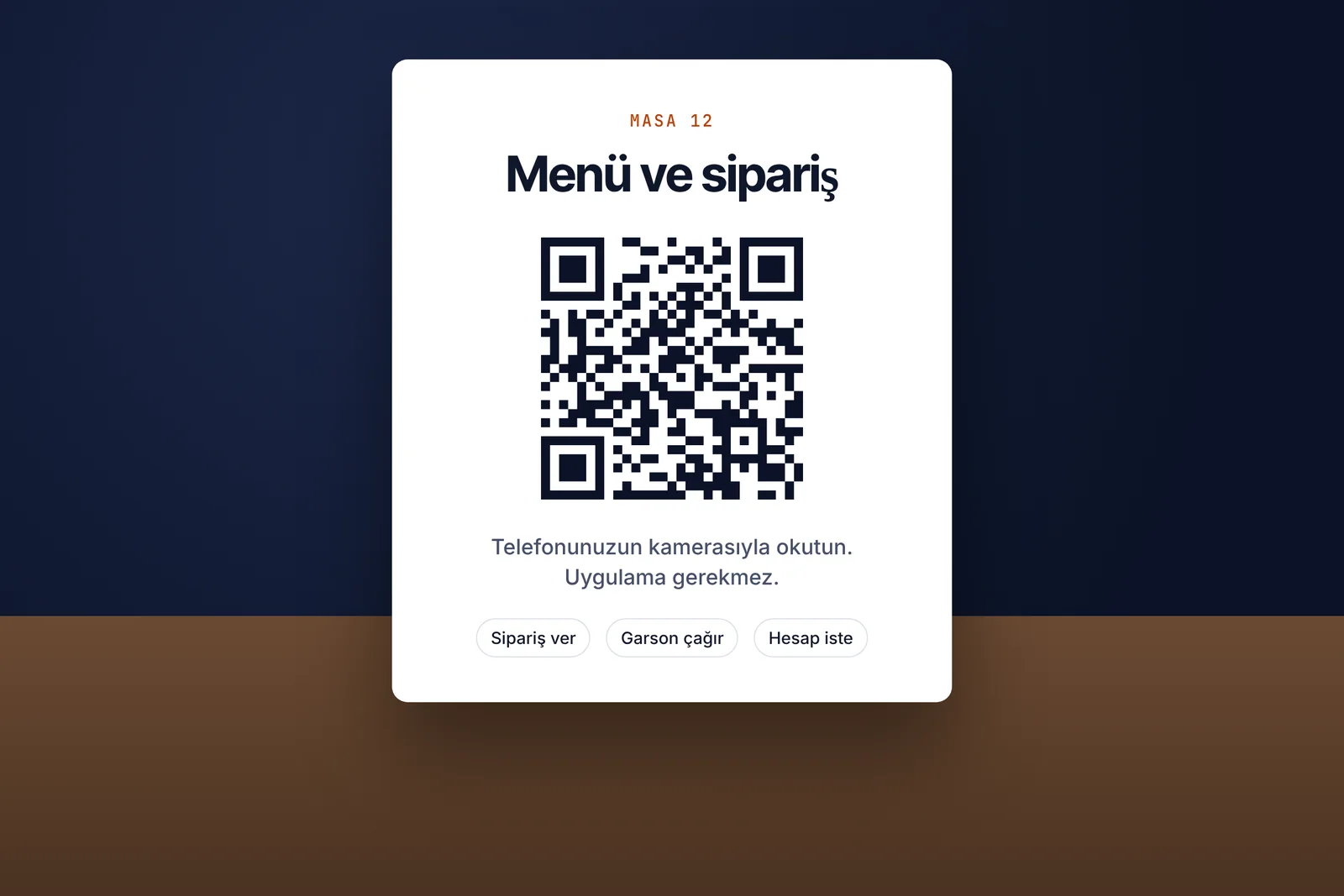
Waiting for the menu, catching the waiter's eye, asking for the bill.
At busy hours the guest waits for the menu, then for the waiter, then for the bill. Q Menü solves all three from the table, on the guest's own phone — and the stale-price problem of printed menus goes away.
- 01Scan the QR
Each table has its own code; the guest scans it with the phone camera.
- 02The menu opens
Categories, products and current prices in the browser; no app.
- 03Requests come in
Orders, waiter calls and bill requests reach staff with the table number.
What it does
- QR menuA per-table QR code; the menu opens in the guest's browser.
- Table orderingThe guest picks items and sends the order with their table number.
- Waiter callOne tap; staff see which table called.
- Bill requestThe guest asks for the bill from their phone; the waiter arrives prepared.
- On / offEvery feature toggles separately; show only the menu if you prefer.
- Menu from ExcelImport your menu from an Excel file in one go.
- Installs to home screenStaff screens are added to Android and iPhone home screens like an app.
- Always current pricesPrices change in the panel; no reprinting menus.
Together with other products
Q Menü is complete on its own. If you also use other ARTİEKRAN products, the connection between them is set up automatically.
- AdisyonQ Menü can connect to Adisyon; the parts of the connection toggle separately.
- Dijital EkranShow the menu's QR code on the screen at the door or above the till.
What do you need?
Before installation we review your venue and tell you in advance if anything is missing.
- QR cardsOne per table; we prepare them together at installation.
- Your menuYour products and prices; an Excel file imports in one go.
- A staff phone or tabletTo see orders and calls.
Monthly pricing by number of branches. We send a quote tailored to your business the same day.
Frequently asked questions
What is a QR menu?
Scanning the QR on the table opens the menu on the guest's phone. It replaces the printed menu, and price changes need no reprint.
Do guests need to install an app?
No. Scanning the QR with the phone camera is enough; the menu opens in the browser.
Can I show only the menu and turn ordering off?
Yes. Ordering, waiter calls and bill requests toggle separately.
How do I import my menu?
Products and prices import from an Excel file in one go; afterwards you edit in the panel.
Who receives the orders?
Orders, calls and bill requests reach the staff screen with the table number. The staff screen installs to a phone or tablet like an app.
How much does it cost?
Monthly pricing by number of branches. We send a quote tailored to your business the same day.
Other products
One system,
one partner.
Call us or leave the form for a demo and a quote tailored to your business; we get back to you the same day.